
CLS
Business Management

AI+ Microsoft 365 Copilot HR Specialty

AI+ Microsoft 365 Copilot HR: The training to be able to manage HR processes using AI, such as recruiting employee evaluation and strategic work planning.

Total Duration
8 Hours
Level
Beginner
Category
Business Management
Partner
AI CERTs
About this course

About this course

AI+ Microsoft 365 Copilot HR Specialty is a course that gives HR specialists and business leaders the skills required to apply Microsoft 365 Copilot in various processes such as recruitment, onboarding, performance management, workforce planning and employee engagement.

The course includes HR processes using Microsoft 365 Copilot, Microsoft Graph, Teams, Copilot Studio and HR Systems while building skills for prompt engineering, AI agents, responsible AI, and HR transformation.
Target Audience

Human Resources Managers and Leaders that seek to take advantage of Microsoft 365 Copilot to assist with recruiting, engaging employees, managing their performance, and strategic decision-making.
Executives within Human Resources seeking to utilize AI for workforce planning and strategy.
Talent Acquisition and Recruitment Professionals seeking to utilize AI for candidate interaction, recruiting process, and recruitment analytics.
Operational Staff within Human Resources and Shared Services looking to utilize automation of onboarding, documentation, and other employee-related activities.

Prerequisites

Basic understanding of HR processes and workflows.
Comfortable using Microsoft 365 applications
Prior experience with HR management

Course Outline

  • The Rise of AI in HR
  • Meet Microsoft 365 Copilot for HR
  • Copilot & Microsoft Graph: Secure Data Use
  • Introduction to Ethical AI in HR
  • Case Study: BrightPath HR
  • Hands-on Exercise
  • What is Microsoft 365 Copilot?
  • Creating Job Descriptions with Copilot
  • Drafting Offer Letters & HR Communications
  • Onboarding Kits & Welcome Messages
  • Handling Sensitive HR Communications
  • Human Review Checklist
  • Case Study: Careers First
  • Hands-on Exercise
  • Automating the Recruitment Pipeline
  • Summarizing Performance Reviews
  • HR Meeting Automation with Teams
  • Survey Design & Engagement Insights
  • Workforce Planning with AI
  • Integrating Copilot Analytics with Power BI
  • Case Study: Talent Bridge
  • Hands-on Exercise
  • What is Copilot Studio?
  • Agent Use Cases in HR
  • Building an HR Helpdesk Agent
  • Creating a Recruitment FAQ Agent
  • Case Study: Grow More Inc.
  • Hands-on Exercise
  • Advanced Prompt Crafting for HR
  • HRIS Integration with Copilot
  • Case Study: Work Well
  • Hands-on Exercise
  • Principles in Practice
  • Data Protection & Compliance
  • Bias, Hallucination & Human Oversight
  • Operationalizing Responsible AI
  • Project Overview and Objectives
  • Step-by-Step Guide
  • Key Takeaways and Outcomes
  • Conclusion
  • Open-Ended Projects
Learning outcomes

What you'll learn

Deploy Microsoft 365 Copilot in applications such as recruitment, onboarding, performance management, workforce planning, and employee engagement.
preparations for HR documentation and communication by leveraging Copilot, but also integrating human validation.
Use Copilot, Teams, and Power BI to support HR analytics and data-driven HR decisions.
Deploy HR-focused AI agents using Microsoft Copilot Studio.
Create prompts for HR scenarios and integrate Copilot into HR applications.
Create and deploy an end-to-end HR solution using Microsoft 365 Copilot as a capstone project.

Skills you'll learn

7 skills
AI-Powered HR Strategy
HR Decision-Making
HR Operations Management
AI Integration for HR
Recruitment Automation
HR Analytics
Prompt Engineering

Certificate

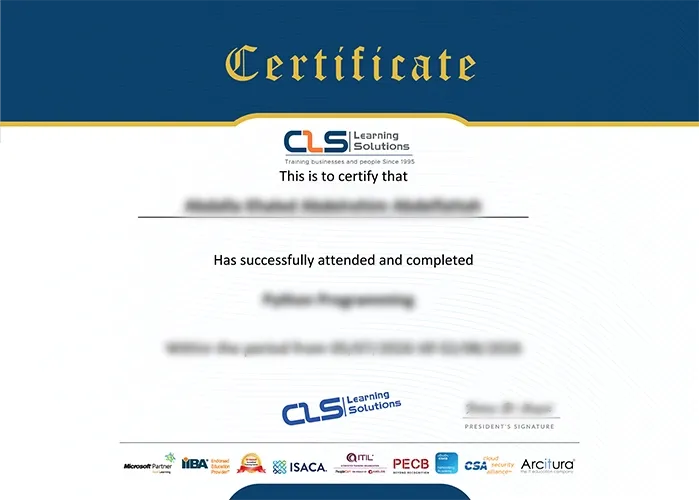
  • Attendance Certificate from CLS Learning Solutions 


AI+ Microsoft 365 Copilot HR Specialty

Potential Career Paths

HR Managers
Talent Acquisition
HR Executives
Recruitment Analyst
HR Analytics
HR Operations Specialist