The FortiOS Administrator will provide you with a solid understanding of how to implement the most common FortiGate features.
In this course, you will learn how to use the most common FortiGate features. you will explore firewall policies, user authentication, high availability, logging and monitoring, site-to-site IPsec VPN, FortiGate in Cloud, FortiSASE, and how to protect your network using security profiles, such as IPS, antivirus, web filtering, application control, and more. These administration fundamentals will provide you with a solid understanding of how to implement the most common FortiGate features.
You will learn to configure and manage FortiGate firewalls: system and network settings, firewall policies and NAT, routing, authentication and FSSO, antivirus, web filtering, intrusion prevention, application control, IPsec VPN and SD-WAN, plus logging and monitoring.
The course runs for 40 hours at beginner to intermediate level. You can join a public classroom, book a private classroom for your team, or attend a virtual classroom.
Knowledge of network protocols and a basic understanding of firewall concepts.
Network and security engineers, firewall administrators and IT professionals who manage FortiGate devices, routing, VPN or SD-WAN.
Fortinet moved its certifications to the Fortinet Certified Professional (FCP) track, where the FortiGate Administrator exam covers the same FortiOS administration skills taught in this course.
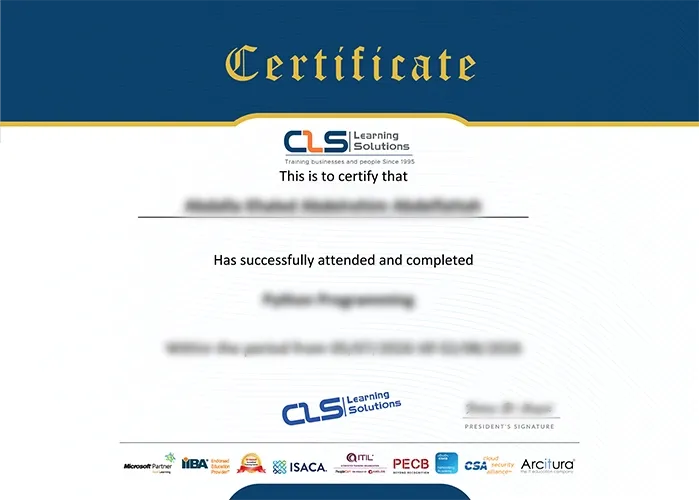
Yes. You receive an Attendance Certificate from CLS Learning Solutions when you complete the course.