CLS
IT System and Networks

Linux Administration I

This course is designed to equip learners with the fundamental skills required to manage and configure Red Hat Enterprise Linux systems

Total Duration
40 Hours
Level
Beginner / Intermediate
Category
IT System and Networks
About this course

About this course

Linux System Administration I is designed for IT professionals without previous Linux system administration experience. The course provides students with Linux administration competence by focusing on core administration tasks. This course also provides a foundation for students who plan to become full-time Linux system administrators by introducing key command-line concepts and enterprise-level tools.

Target Audience

System administrators need to perform essential Linux administration tasks on a single server.
Anyone who is planning to become a technical professional using Linux.

Prerequisites

There are no prerequisites

Course Outline

Define and explain the following concepts: open source, Linux, Linux distributions, and Red Hat Enterprise Linux.
Log in to a Linux system and run simple commands by using the shell.
Resolve problems by using information in local help systems and documentation.
Register a system by using your Red Hat account to get support services and software that Red Hat provides.
Get AI-driven guidance and suggestions to efficiently manage a RHEL server by using Red Hat Enterprise Linux Lightspeed.
Describe the organization of files in the Linux file-system hierarchy and specify files by name, by using relative paths or absolute paths.
Copy, move, create, delete, and organize files from the command line.
Create, view, and edit text files from the command line.
Redirect the output of commands and input to commands, by using Bash.
Obtain superuser access to a system; create, manage, and delete local users and groups; and administer local password policies.
Set standard permissions on files and interpret the security effects of different permission settings.
Download, install, update, and manage software packages from Red Hat and DNF package repositories.
Install, upgrade, and use desktop software from the Red Hat Ecosystem Catalog by using Flatpack.
Access file systems on removable media devices by mounting them on a directory in the file-system hierarchy.
Investigate, control, and terminate processes that run on a Red Hat Enterprise Linux system.
Control and monitor the system services and daemons that system starts.
Describe basic TCP/IP networking concepts and investigate the current network configuration and functionality on a server.
Configure network interfaces and settings on Red Hat Enterprise Linux servers.
Protect SSH communication by managing host keys and by implementing key-based authentication for users.
Practice skills learned in Red Hat System Administration I.
Learning outcomes

What you'll learn

The administration, configuration, and rapid deployment of Red Hat Enterprise Linux is the foundation for efficient IT infrastructure.
This course will build the foundation for new Linux system administrators to integrate Red Hat Enterprise Linux with other existing systems, manage user and group administration
This course will help you learn the key tasks to become a full-time Linux system administrator.
should be able to perform essential Linux system administration tasks, including installation, establishing network connectivity, managing physical storage, and basic security administration.

Skills you'll learn

7 skills
Introduce Linux
Linux ecosystem.
Run commands
Manage and secure files.
monitor system services.
Configure remote access
Configure network

Certificate

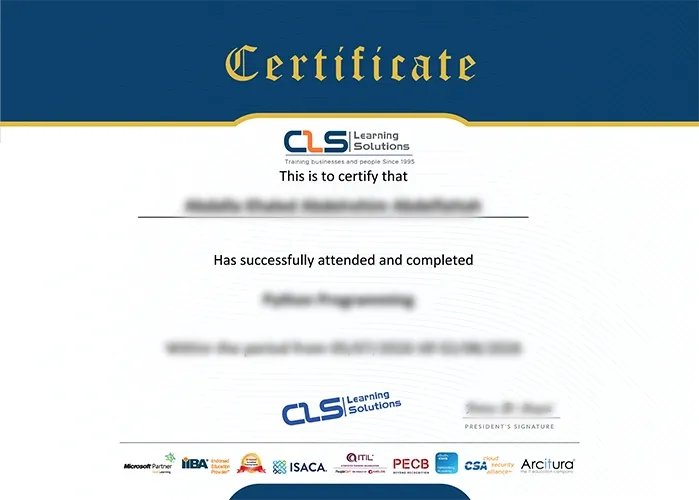
  • Attendance Certificate from CLS Learning Solutions 
Linux Administration I

Potential Career Paths

System administrators
platform engineers
Developers
IT professionals
Linux Enterprise