CLS
Cloud Computing

OpenShift Administration II Configuring a Production Cluster

OpenShift Administration II Configuring a Production Cluster course focuses on configuring multitenancy and security features of OpenShift as well as managing OpenShift add-ons based on Operators.

Total Duration
32 Hours
Level
Intermediate / Advanced
Category
Cloud Computing
About this course

About this course

OpenShift Administration II: Configuring a Production Cluster prepares OpenShift cluster administrators to perform daily administration tasks on clusters that host applications from internal teams and external vendors, enable self-service for cluster users with different roles, and deploy applications that require special permissions such as CI/CD tools, performance monitoring, and security scanners. 
Target Audience

System Administrators who need to manage OpenShift clusters, applications and users
Site Reliability Engineers who need to maintain and troubleshoot Kubernetes clusters
System and Software Architects who need to understand the security of an OpenShift cluster.

Prerequisites

Complete OpenShift Administration I: Operating a Production Cluster or have equivalent skills in deploying and managing Kubernetes applications using the OpenShift web console and command-line interfaces
Intermediate skills in operating a Bash shell, including command-line text processing, text editing, and Linux networking and security utilities.

Course Outline

Deploy and update applications from resource manifests that are parameterized for different target environments
Deploy and update applications from resource manifests packaged for sharing and distribution
Configure authentication with the HT Passwd identity provider and assign roles to users and groups
Protect network traffic between applications inside and outside the cluster
Expose applications to external access without using an Ingress controller
Configure clusters for safe self-service by developers from multiple teams, or restrict self-service when projects must be provisioned by operations staff
Install and update Operators managed by the Operator Lifecycle Manager and the Cluster Version Operator.
Run applications that require elevated or special privileges from the host operating system or Kubernetes.
Update an OpenShift cluster while minimizing disruption to deployed applications.
Learning outcomes

What you'll learn

Develop and update applications through declarative packaging of resource manifests.
Manage user authentication and authorization.
Control the configuration of multitenancy, quotas, and self-service options for developer teams.
Protect application traffic both within and out of the OpenShift cluster.
Install and update Kubernetes Operators.
Manage OpenShift cluster updates without impacting application operations.

Skills you'll learn

8 skills
Resource Management
User Authentication
Role Authorization
Developer Self-Service
Kubernetes Operators
Application Security
Cluster Updates
OpenShift Administration

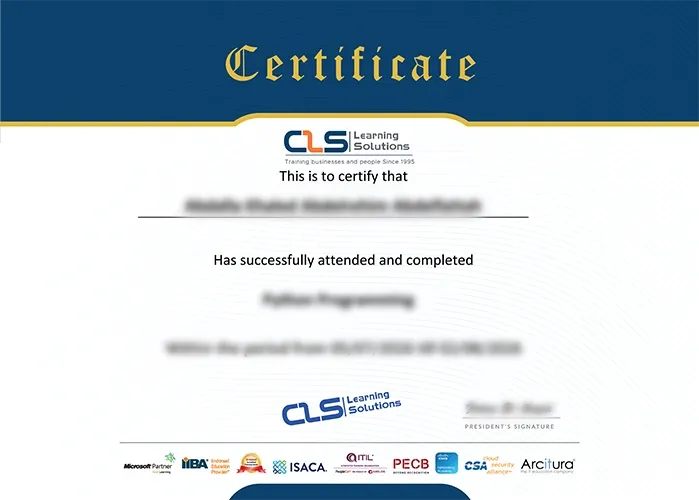
Certificate

  • Attendance Certificate from CLS Learning Solutions 


OpenShift Administration II Configuring a Production Cluster

Potential Career Paths

OpenShift Administrator
Kubernetes Administrator
DevOps Engineer
Cloud Administrator
Site Reliability Engineer
Platform Engineer