CLS
Business Management

Microsoft Project

Microsoft Project is a leading project management software that enables project managers to achieve project outcomes faster and more efficiently.

Total Duration
16 Hours
Level
Beginner
Category
Business Management
Partner
Microsoft
About this course

About this course

In this Microsoft Project Training course, students will spend time getting comfortable with the Project or Project user interface, including project views and the ribbon.

They will also learn to enter, organize, and link tasks, work with resources, create basic reports, and create projects independently. The course allows time to practice fundamental basic skills essential for efficient use of this program.

This Microsoft Project class will teach you the skills to manage and maintain control of multiple projects more efficiently for your organization.

You will learn to use flexible and intuitive tools and solutions to help create the project plan, track progress, adjust resources and create dynamic reports.
Target Audience

Professionals involved in the planning, scheduling, or tracking of projects.
Professionals responsible for the organization of project activities according to a schedule.
Professionals who require managing project information using Microsoft Project.
Individuals want to learn about the practical side of project scheduling.

Prerequisites

Basic knowledge of Project Management concepts

Course Outline

  • Components of a Project
  • Demo and Exercise Projects Used in this course.
  • Starting Project
  • The Ribbon
  • The Backstage View
  • Tour of the Quick Access Toolbar
  • Basic Formatting
  • Understanding the Ribbon
  • Open and Save a Project
  • Enter Project Information
  • Add and Delete Commands from the Quick Access Toolbar
  • Project Start Date
  • Creating the Project Calendar
  • Connecting a Calendar to a Project
  • Formatting the Timeline to Match a Custom Calendar
Learning outcomes

What you'll learn

Learn to create and manage simple projects
Learn to enter and manage tasks
Learn to work with a project calendar
Learn to add and manage project resources and work with the resource sheet
Work with tabs, groups, and commands on the Ribbon
Learn to create basic reports for your project

Skills you'll learn

9 skills
Project Planning
Project Setup
Project Information
Ribbon Management
Project Formatting
File Management
Calendar Management
Project Scheduling
Timeline Formatting

Certificate

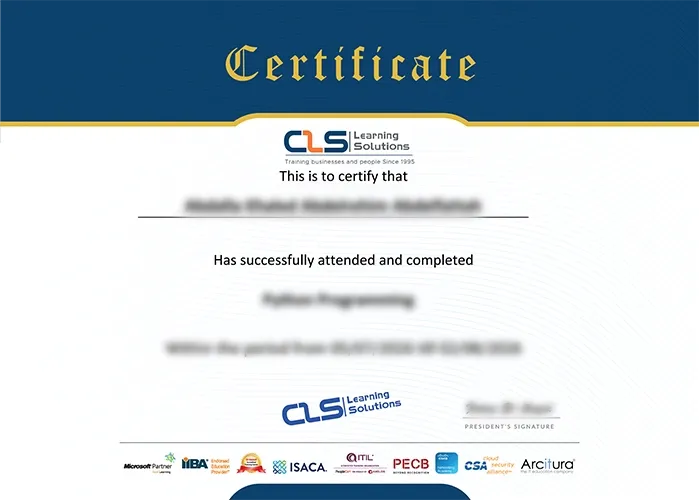
  • Attendance Certificate from CLS Learning Solutions 


Microsoft Project

Potential Career Paths

Project Manager
Project Control Engineer
Project Coordinator
Program Coordinator
Operations Coordinator